Windows PC / Gmail in Browser
Use Gmail in a web browser
This is the simplest setup and gives direct access to the full Google Workspace environment.
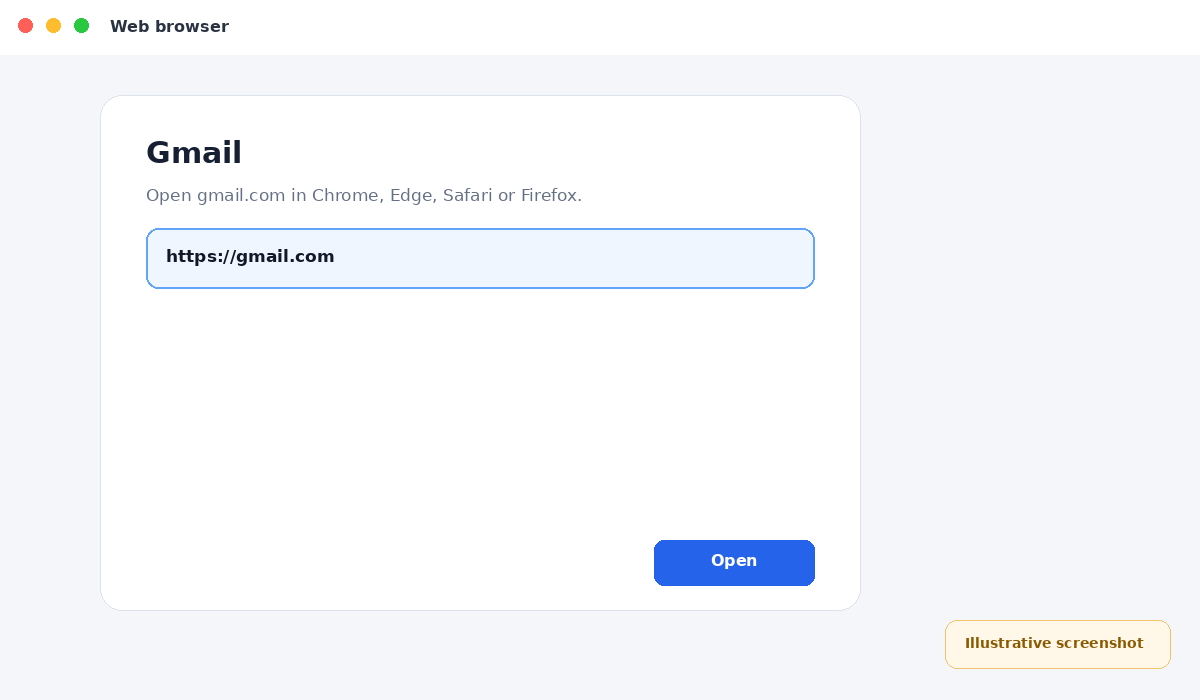
Open Gmail
Open Chrome, Edge, Safari or Firefox and go to gmail.com.
Illustrative screenshot — wording may vary slightly by app or operating-system version.
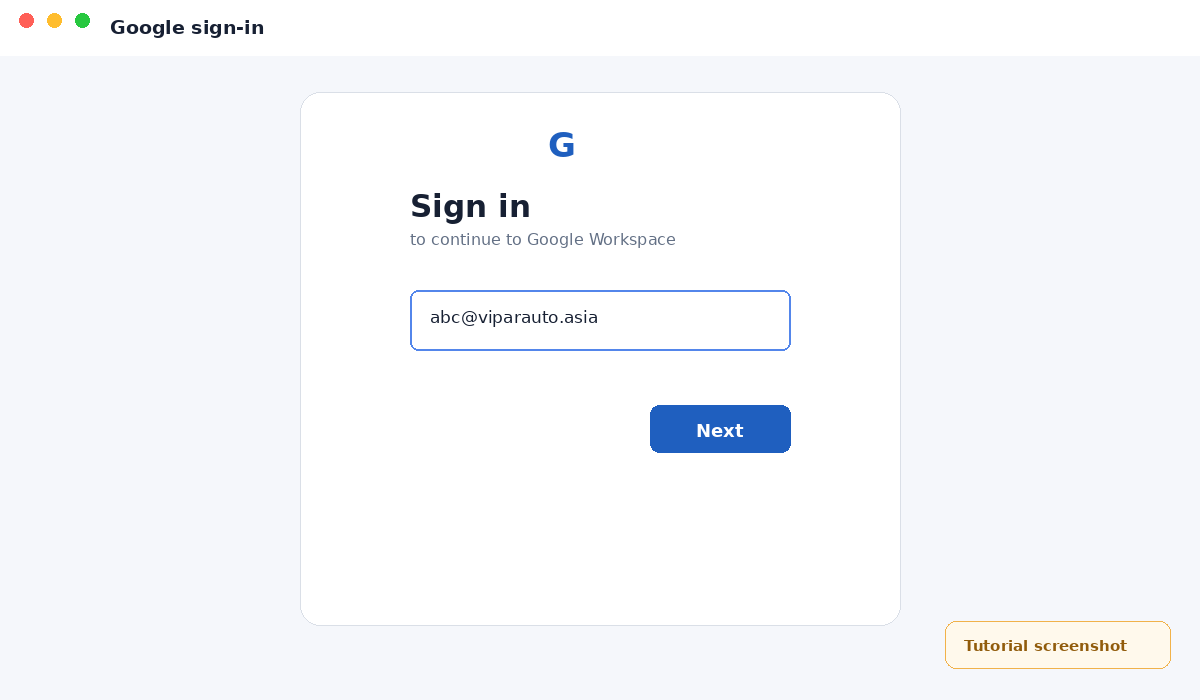
Enter your company email
Use your complete company email address, not a personal Gmail address.
Illustrative screenshot — wording may vary slightly by app or operating-system version.
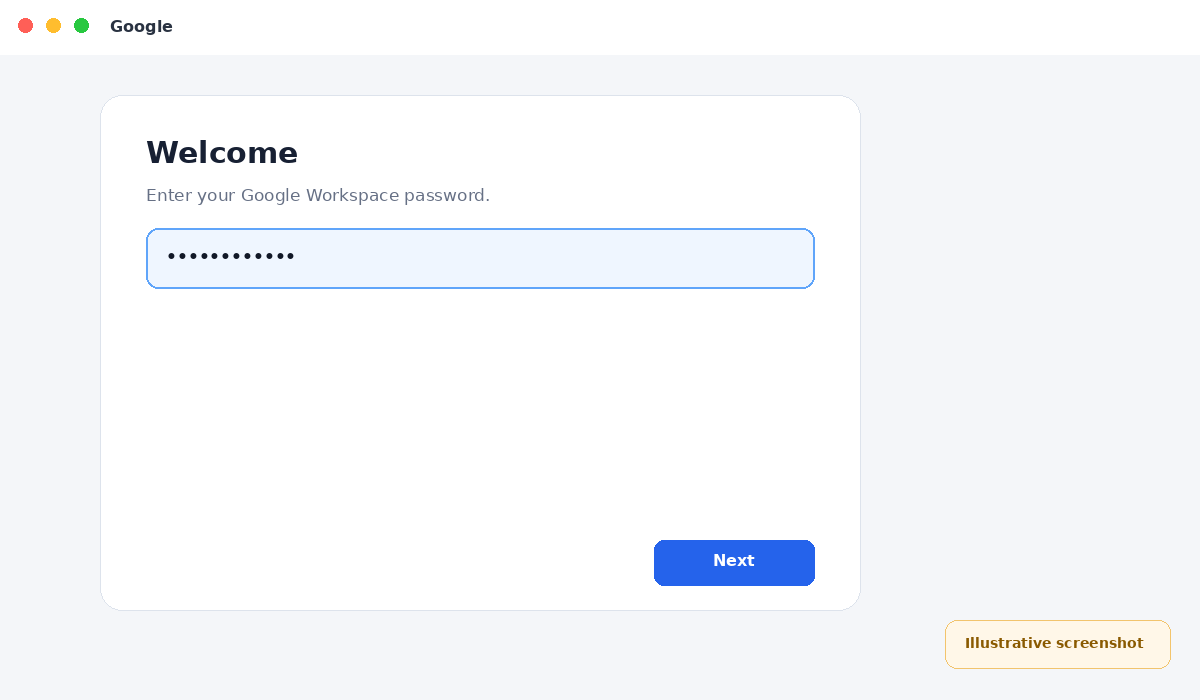
Enter your password
Enter the Google Workspace password and complete 2-Step Verification if prompted.
Illustrative screenshot — wording may vary slightly by app or operating-system version.
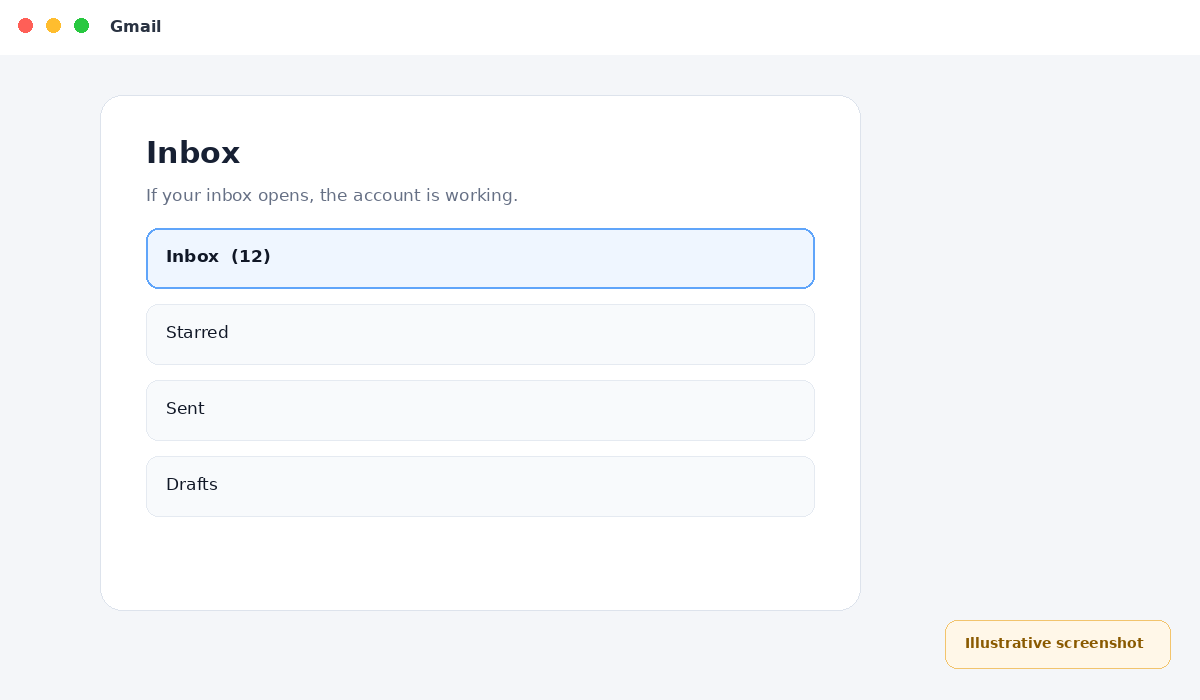
Check your inbox
If Gmail opens, send a test email and confirm that you can receive a reply.
Illustrative screenshot — wording may vary slightly by app or operating-system version.