iPhone / iPad / Gmail App
Set up Google Workspace in the Gmail App
The Gmail app is the recommended email application for iPhone and iPad users.
Open Gmail and tap your profile picture
Open Gmail. Tap your profile picture in the upper-right corner.
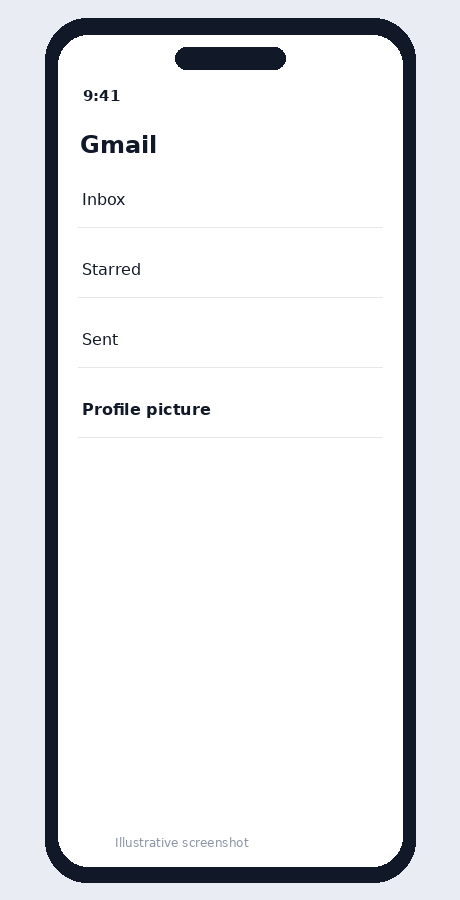
Illustrative screenshot — wording may vary slightly by app or operating-system version.
Tap Add another account
Choose Add another account.
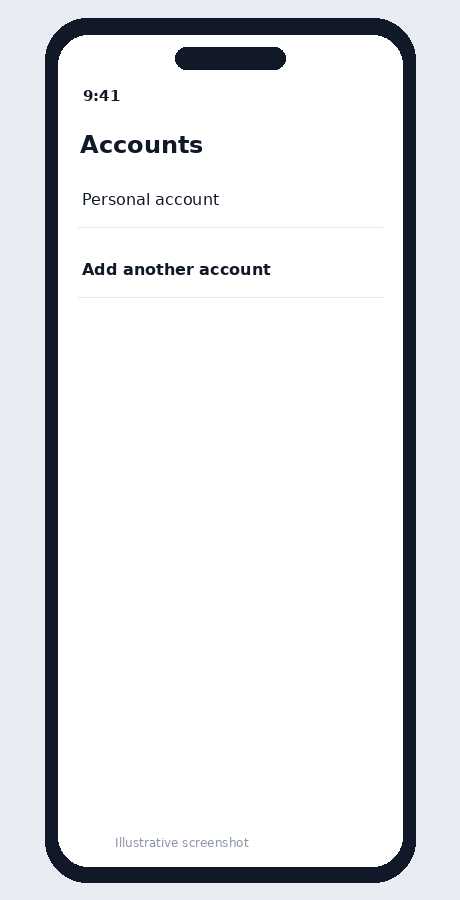
Illustrative screenshot — wording may vary slightly by app or operating-system version.
Choose Google
Select Google as the account provider.
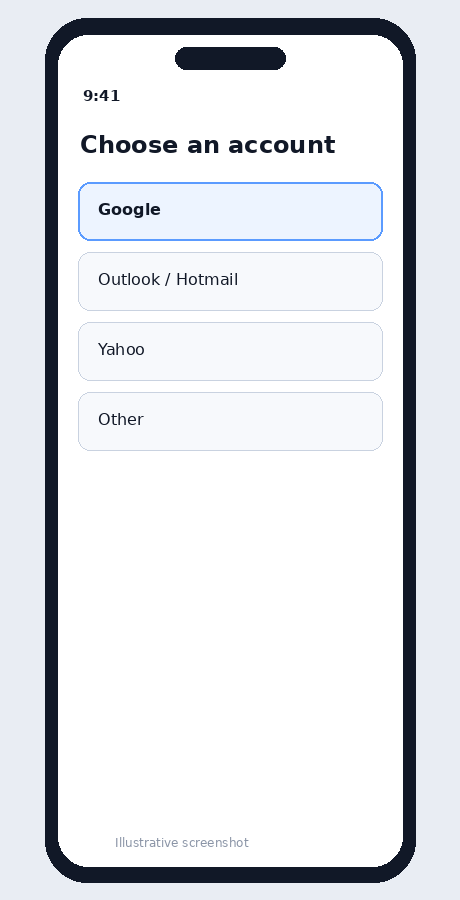
Illustrative screenshot — wording may vary slightly by app or operating-system version.
Enter your company email
Use the complete Google Workspace email address and tap Next.
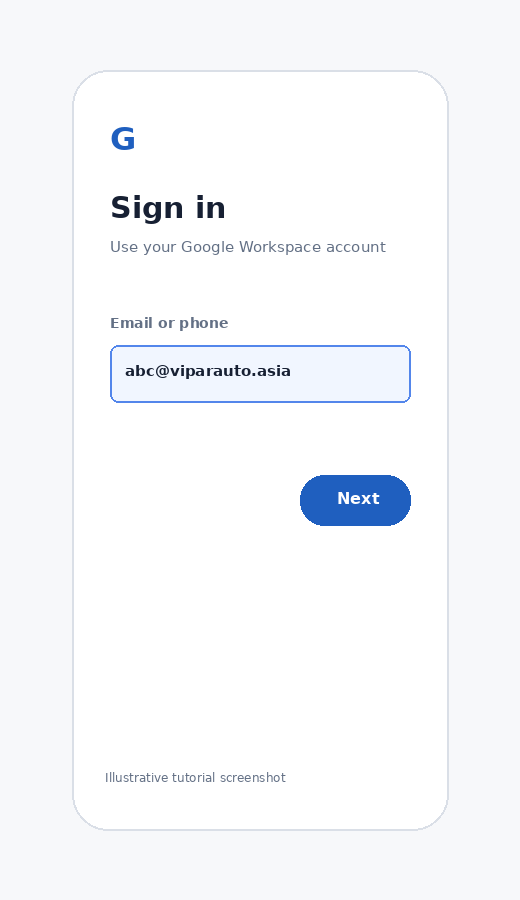
Illustrative screenshot — wording may vary slightly by app or operating-system version.
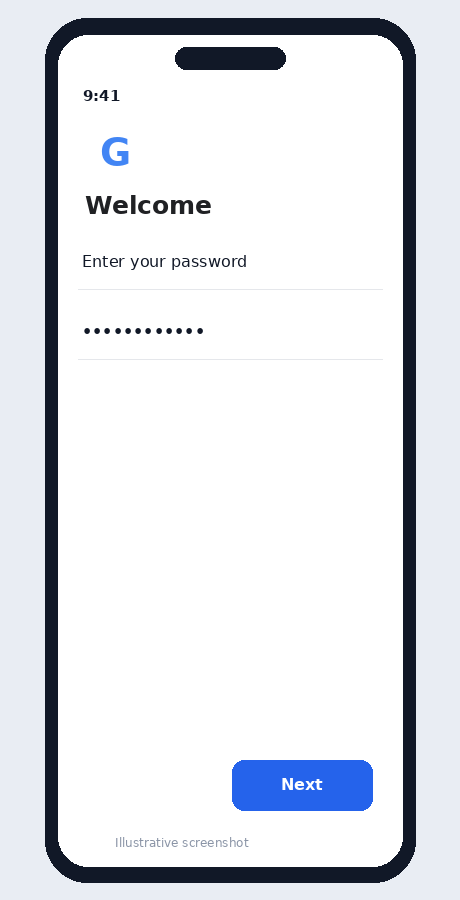
Enter your password
Enter your password. Complete 2-Step Verification if prompted.
Illustrative screenshot — wording may vary slightly by app or operating-system version.
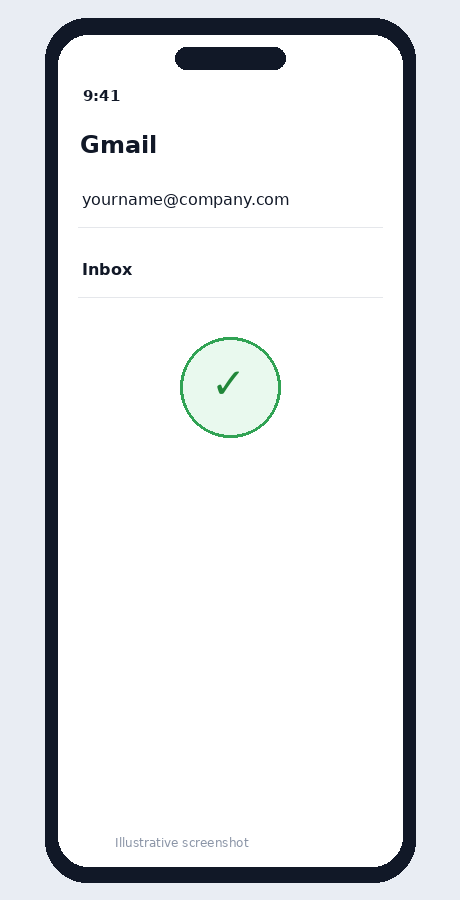
Open the inbox
When the account is added, select it and confirm that the company inbox opens.
Illustrative screenshot — wording may vary slightly by app or operating-system version.